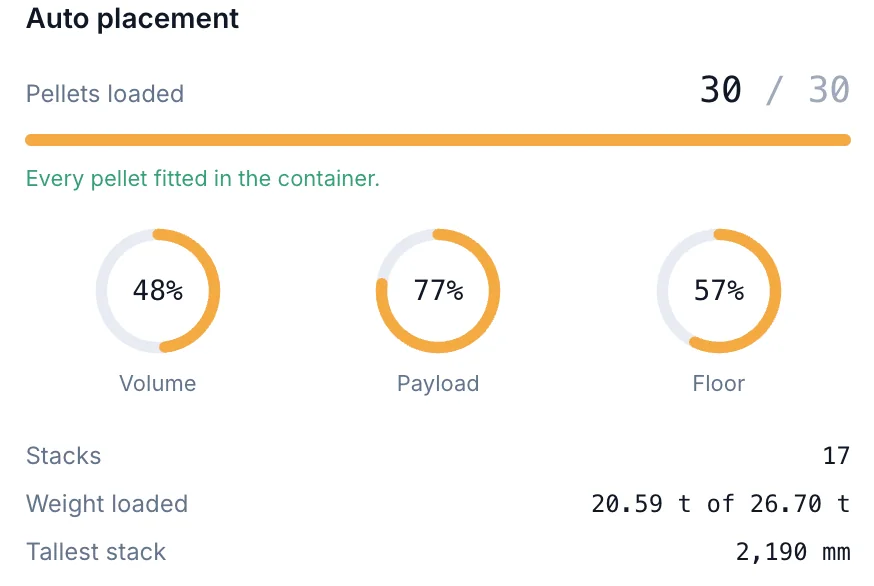
01 · Auto placement
Every pellet placed for you
Turned in 90° steps, stacked only on matching footprints and kept inside your payload.
See how auto placement works Cargo Loading
by Intelivize
Cargo Loading
by Intelivize
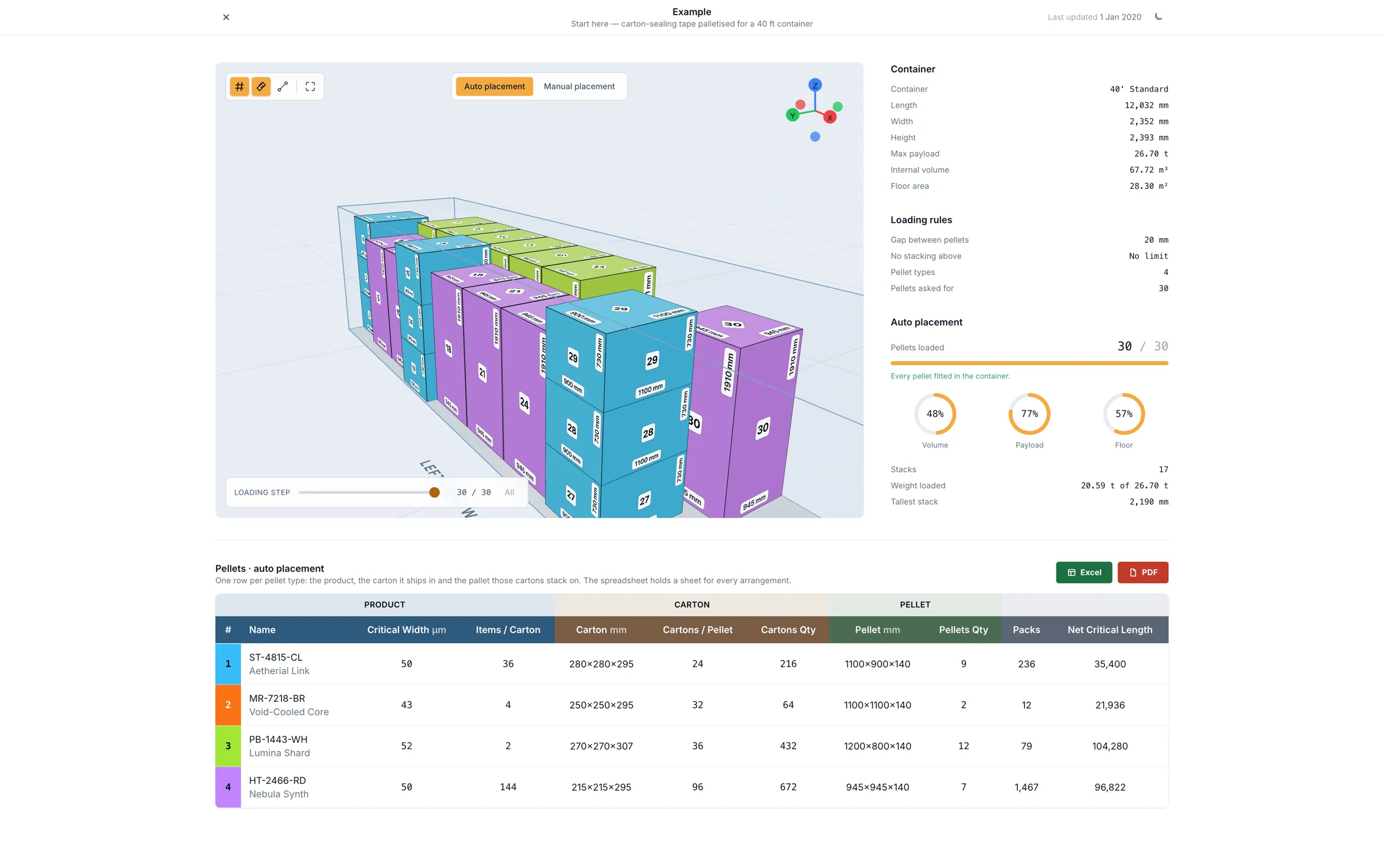
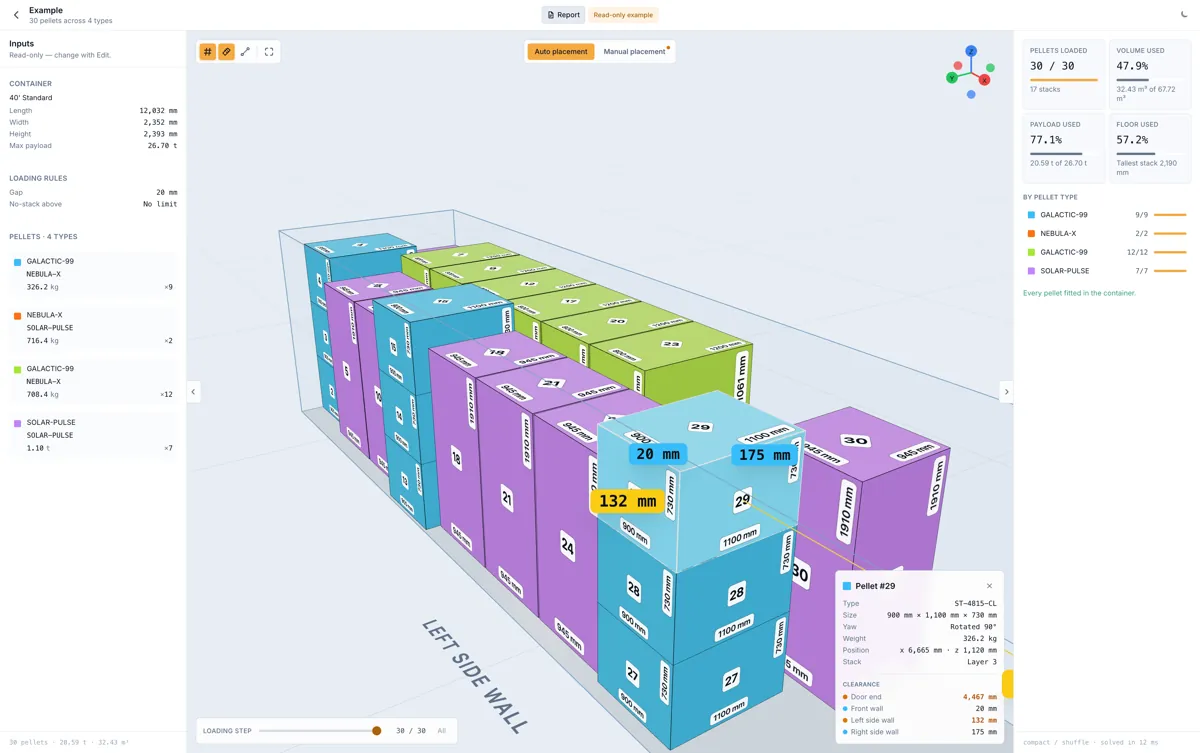 The example load
30 of 30 pellets loaded
40' standard · 12 ms solve
The example load
30 of 30 pellets loaded
40' standard · 12 ms solve
Cargo Loading works out how your pellets fit a shipping container — turned, stacked and spaced to your rules — and shows the result in 3D for your team to check, adjust and load from.
Supports 20 ft, 40 ft, 40 ft High Cube, 45 ft High Cube and custom containers, in millimetres and kilograms.
Why it exists
A loading plan is easier to follow than to improvise. Cargo Loading checks every arrangement against your space, weight and stacking rules before the container is opened, so the dock works from a plan everyone has already seen.
The planner
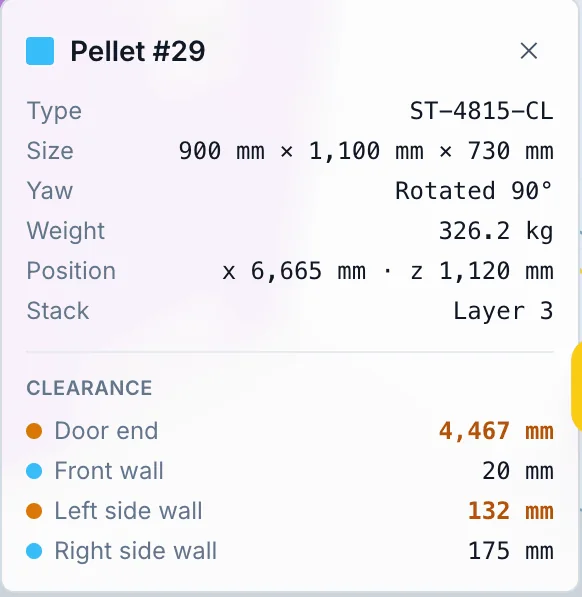
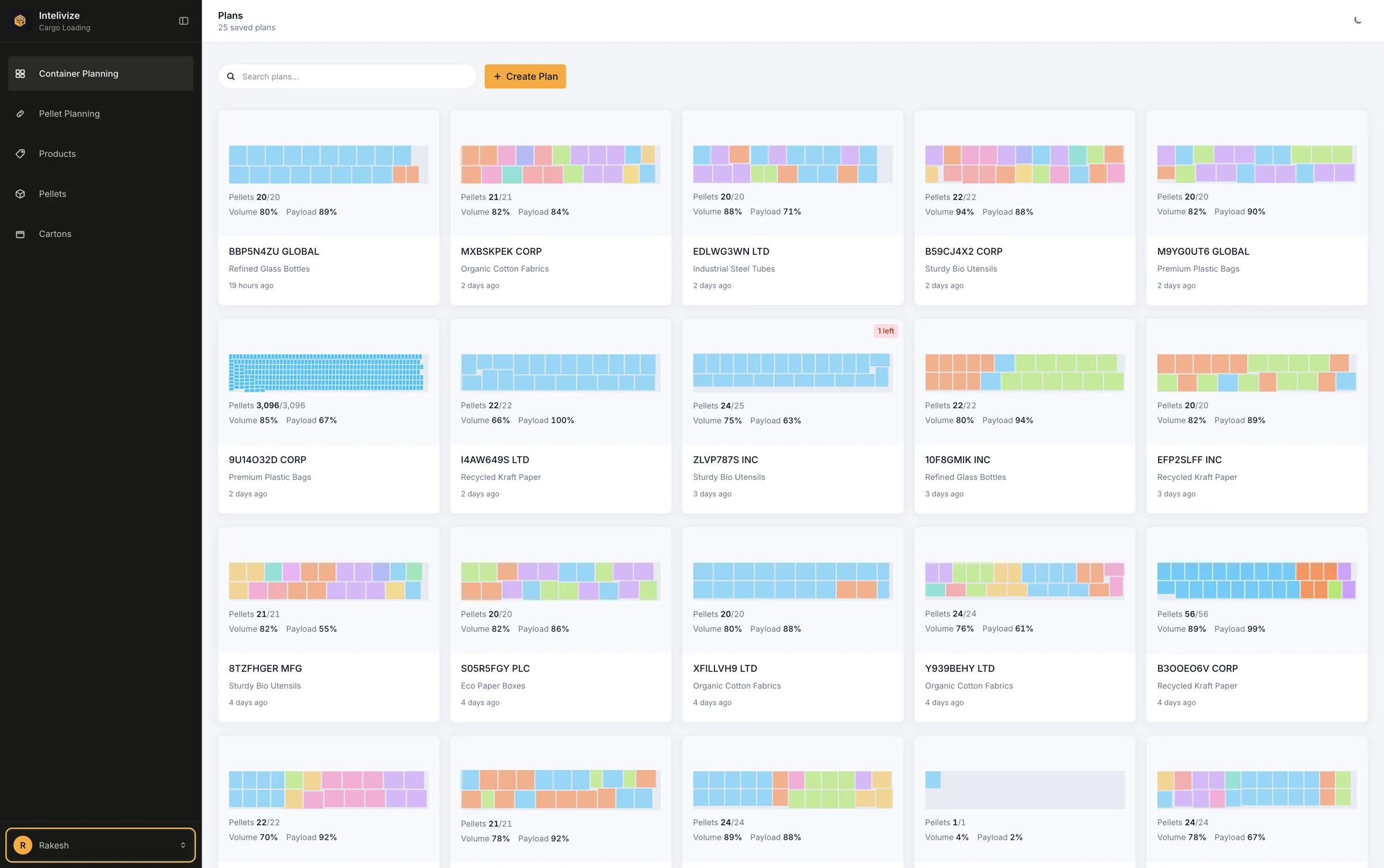
Orbit the container, step through the load pellet by pellet, and select any pellet to see its size, weight, stack and the clearance on every side.
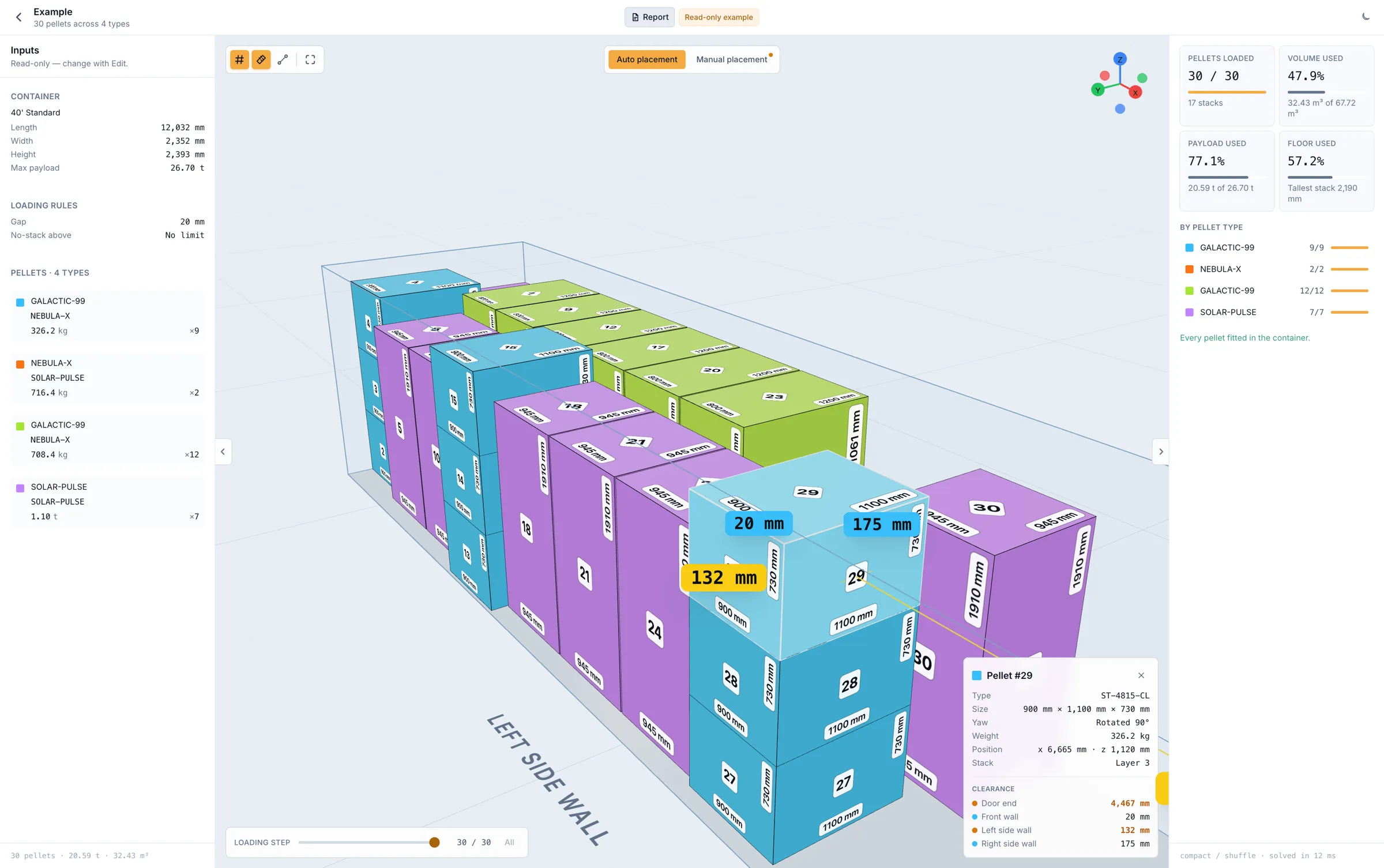
Each face prints its own size, so you can tell which way a pellet is turned.
Reveal pellets in loading order, one at a time, or hide a type by colour.
Click two corners to read the distance between them, like a tape on site.
What it does
Four parts of one workflow. Each one starts from the work done in the last.
Turned in 90° steps, stacked only on matching footprints and kept inside your payload.
See how auto placement worksDrag, rotate with R, or restack. A move that breaks a rule turns red and will not land.
See how manual placement worksLink a product to the carton and pellet it ships in. Every container plan starts from it.
See how pellet planning worksAn Excel job card and an A4 PDF for every plan, made in your browser.
See how reports workHow it works
Add your products, cartons and pellets once. Each pellet plan records how a product's cartons stack on its pellet.

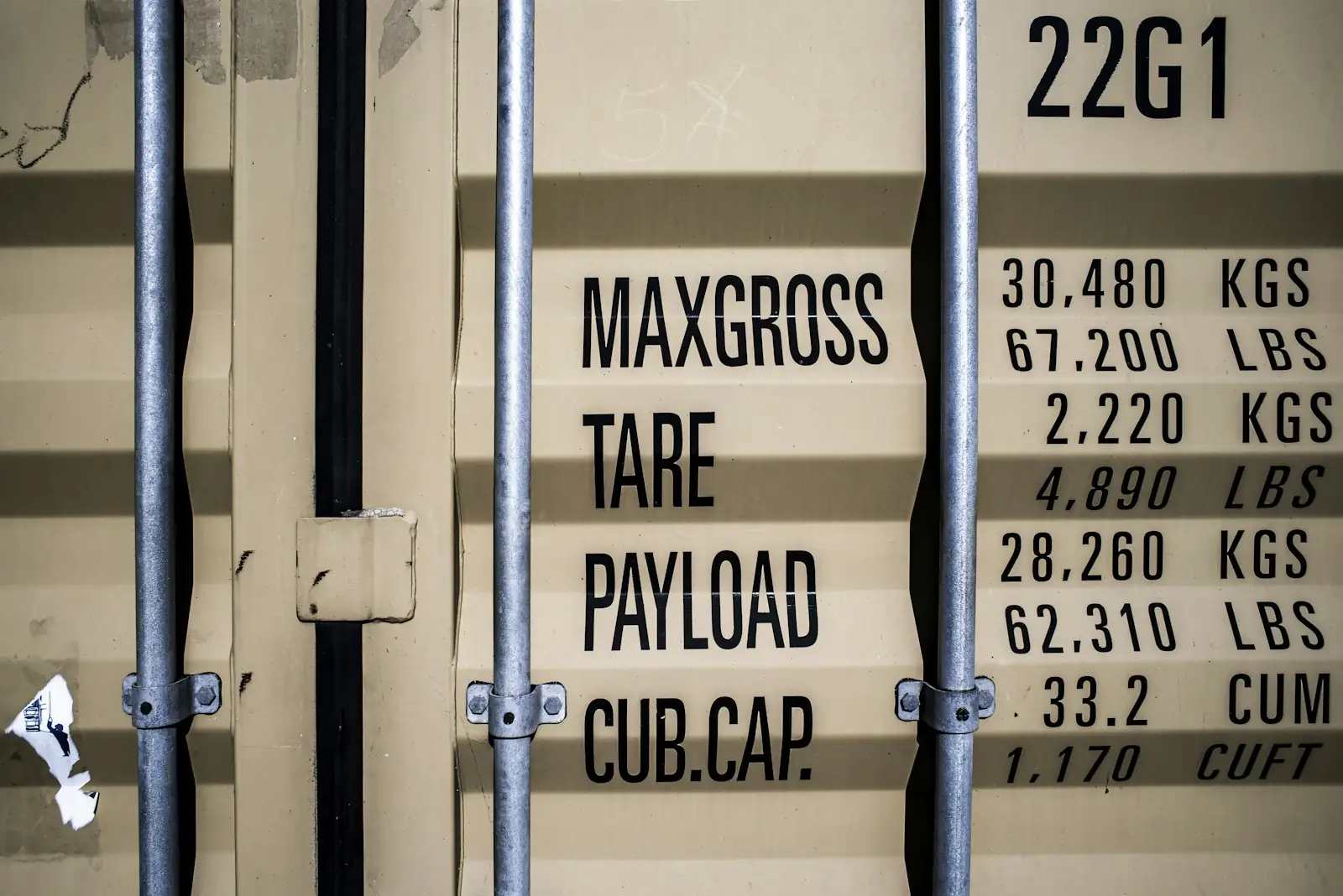
Pick 20 ft, 40 ft, 40 ft High Cube or 45 ft High Cube, or enter your own size. Set the payload, the gap between pellets and the stacking height.
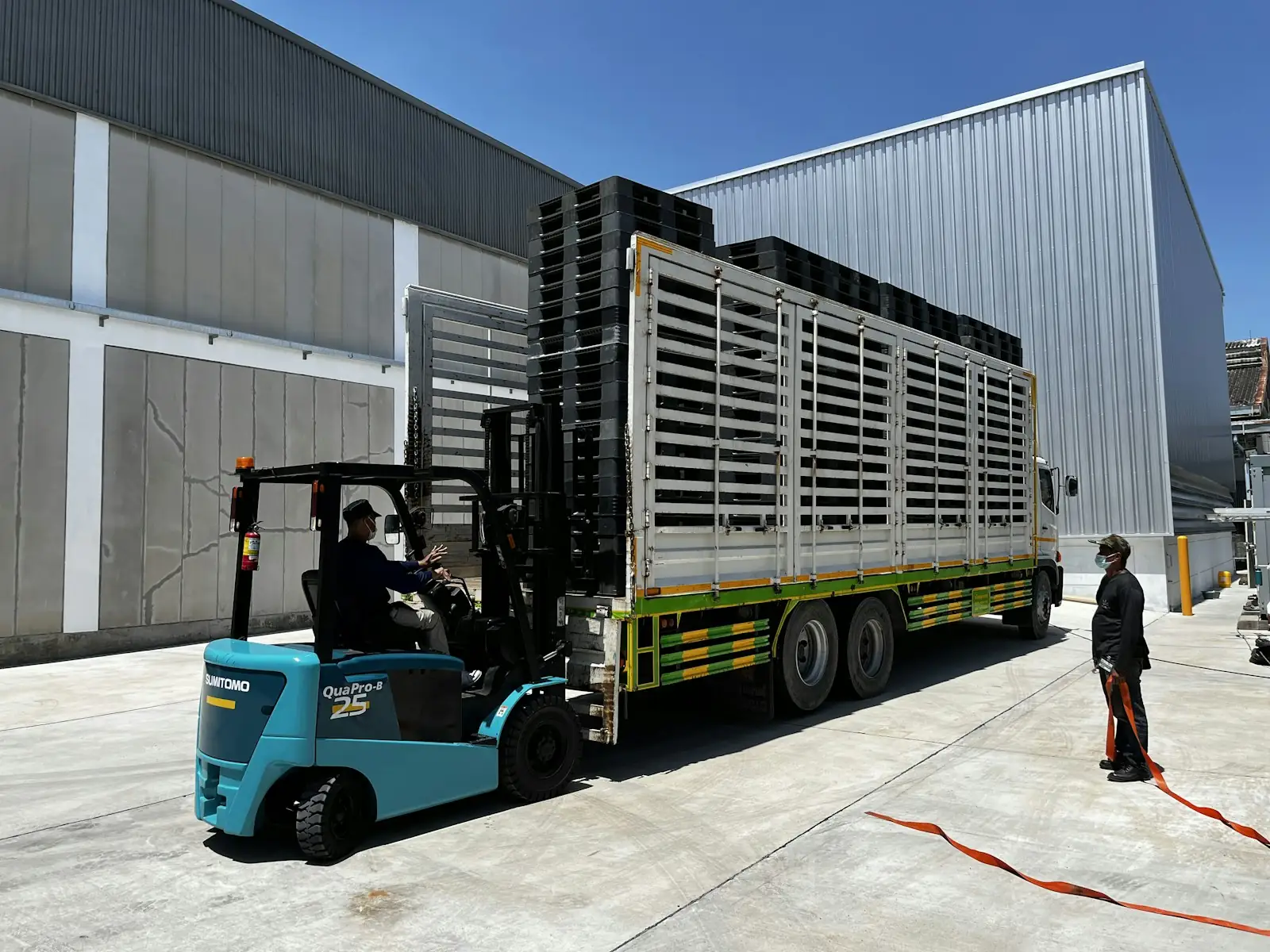
Pellets stay upright, turn in 90° steps where it helps, and stack only on matching footprints, heavier below.
Select a pellet to see its clearance to each wall. Move or rotate it by hand — the same rules still apply.

Download an Excel job card and an A4 PDF. Both are made in your browser, named with the date and time.


100+
Containers shipped
50t+
Cargo shipped every day
EU+US
Where our customers ship
In service · Europe and the USA
Teams across Europe and the USA plan their loads with Cargo Loading. More than 100 containers have shipped from its plans so far, and over 50 tonnes of cargo moves on them every day.
Plan a load with usPricing · Cargo Loading
One joining fee, then a flat price per seat. No charge per plan, and none per container.

Plans
$1,049 / once
Your accounts, container sizes and first plans, set up with your team.
Get started$21 / seat / month
Every seat gets the whole app. There is no higher tier to move up to.
Get started$0 / while you subscribe
The help it takes to fit Cargo Loading to the way your floor works.
Talk to usNo usage charges
Your bill is the joining fee and your seats. Everything below comes with every seat, at no extra cost.

Create as many loading plans as your team needs.
A 20 ft box and a 45 ft High Cube cost the same to plan.
Excel and PDF downloads come with every seat.
Every seat has the whole app. There is nothing to move up to.
Read our FAQ
It plans how pellets fit into a shipping container. You enter the container, your loading rules and what you are shipping; it places the load, shows it in 3D, and produces an Excel job card and a PDF for the loading team.
20 ft, 40 ft, 40 ft High Cube and 45 ft High Cube come preset with their dimensions and payload. Any other size can be entered by hand, in millimetres and kilograms.
Pellets stay upright and may turn in 90° steps. A pellet only stacks on one with the same footprint and the same or greater weight, and pellets taller than your height limit go on the floor with nothing on top. Within those rules it fits the most pellets first, then the most volume, then the tightest load.
Yes. Manual placement starts from the automatic result. Drag a pellet or a whole stack, rotate with R, remove with Delete, or add one back. A move that breaks a rule turns red and will not land, and Reset returns to the automatic load.
The plan lists every pellet left behind, with the reason — out of space or over the weight limit. Before that, it tries shifting and turning the pellets already placed to make room, and keeps the change only if more fit.
An Excel workbook laid out as a job card, with live formulas and set up for A4 landscape, and an A4 PDF with the plan's figures and views of the load from above, from both sides and from both ends.
Plans belong to your company. Anyone in it with editing rights can open, change or delete them, and each plan records who created it.
A one-time joining fee of $1,049, then $21 per seat per month. Setup help, customisation and support are included, and there are no charges per plan or per container.
Request a demo
Send a container size and a packing list. We will set it up and walk you through the result on your own goods.